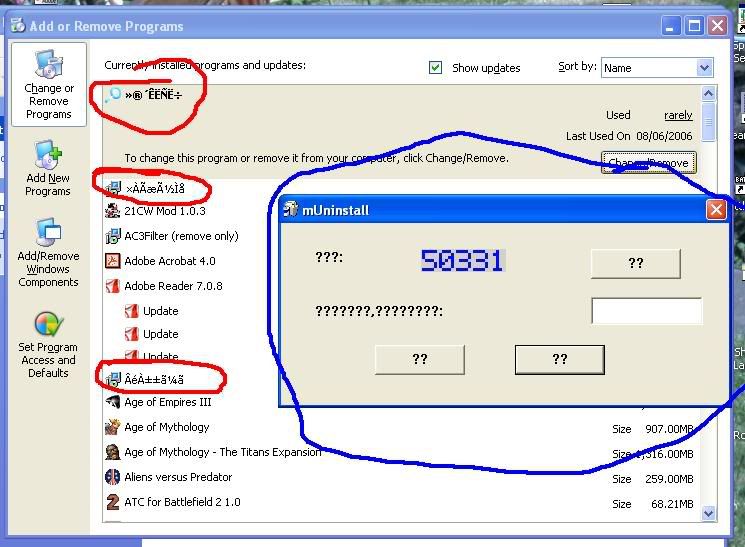
2000AD, if it gives you adverts that take you to some site, it's malware. Infections don't nevessarily show up as immediate slowdowns, but will get worse only after a while.
As for the removal procedures, just follow the instructions and you should be fine. Deviate from them at your own risk.
Sriad wrote:Does Crap Cleaner do some of the leg(brain)work for you in regestry cleaning? I nuke things with Hijack This! from time to time, but it makes me nervous.
Yes, it does a lot of the work for you. It recognizes invalid file associations and other shit left over from programs you've uninstalled, invalid shortcuts, missig file references and so forth and fixes them without any need to poke around the Registry Editor. Hijack This! is one of those powerful tools you
should be nervous about using. It's like a precision nuclear scalpel: it can take things out very accurately, but once you use it on something, that something ain't coming back. Remove the wrong thing with it and you'll still end up nuking the entire site from orbit.
CrapCleaner also asks whether or not it should create a backup of the things it removes, so if it removes something important, just restore the registry from the backup, run Issues again and this time fix everything but the thing that got fucked up.
Edi